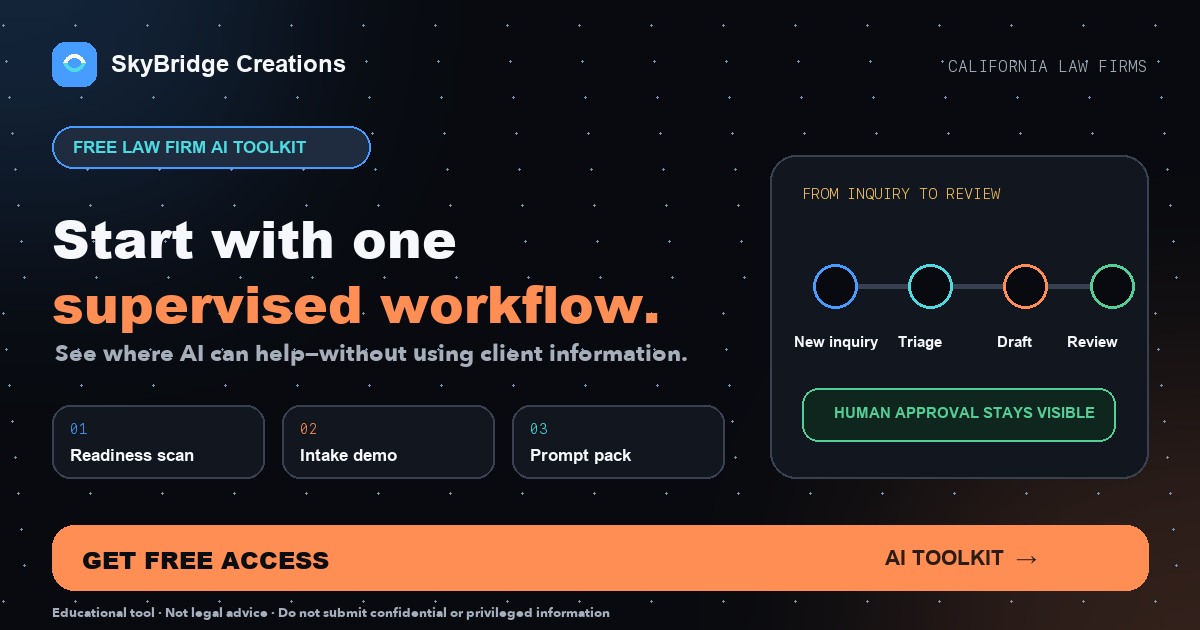
"ai tools for lawyers" draws about 40 California searches a month in Google Keyword Planner, and the high end of its top-of-page bid range is $102.96. Few people are searching, and Google's top-of-page bid estimates for those searches already run high, which suggests many firms have not yet decided whether AI tools for law firms are worth trying. Ours are free and come in two parts: a 25-check AI visibility audit that runs on our site with no signup, and a starter toolkit we send on request (a readiness scan, a sample intake workflow, guarded prompts and a review checkpoint). Neither asks for client information, which is where the State Bar's 2026 guidance draws its firmest line.
This page is about marketing tools. For how the Rules of Professional Conduct apply to your firm's own use of AI, ask your ethics counsel.
What the free toolkit does, and where California's AI guidance draws the line
A firm can test AI on its public website and on invented records without touching a client file, and that is the safest place to start under the State Bar's 2026 guidance.
- The free AI visibility audit scores one page out of 100 across 25 checks in four groups: crawler access, structured data, content and technical basics. Each visitor gets two free scans.
- The starter exercise in this post uses invented records, so a firm can test an AI workflow without touching a real matter.
- The State Bar's 2026 Practical Guidance says that, as a general matter, a lawyer must not put confidential client information into a generative AI tool that may present material confidentiality or security risks without informed client consent.
- The same guidance says reasonable efforts "require more than reliance on generalized marketing assurances" from a vendor.
- Proposed AI comments to rules 1.1, 1.4, 1.6, 3.3, 5.1 and 5.3 finished a second public comment period on August 6, 2026.
Free for California firms
Want these numbers for your own office?
We run the same map pack and AI visibility check for your practice and address in California, then show where you stand. No obligation.
Run my free audit →California searches for AI help are small but expensive
Few people in California are searching for AI help yet, and Google's top-of-page bid estimates for those searches already run high. "ai for lawyers" leads at 390 a month.
| Search phrase | Avg. monthly searches, California | Top-of-page bid range |
|---|---|---|
| ai for lawyers | 390 | $10.64 to $58.13 |
| legal ai tools | 260 | $18.12 to $93.81 |
| ai for law firms | 210 | $6.88 to $43.48 |
| ai legal assistant | 210 | $10.10 to $56.59 |
| chatgpt for lawyers | 70 | $10.47 to $53.29 |
| ai tools for lawyers | 40 | $18.13 to $102.96 |
| free ai tools for lawyers | 10 | $8.13 to $19.12 |
Source: Google Keyword Planner, California, November 2026. Twelve-month averages.
We built the toolkit for the partner who wants to try one thing before paying for anything, so it does a few things and leaves the rest alone.
Reasonable efforts to protect client confidences "require more than reliance on generalized marketing assurances." (State Bar of California, 2026 Practical Guidance)
Tool one: the free AI visibility audit
The free AI visibility audit reads one page of your website and the files around it, then scores what it finds. It runs on our site. There is no login, and each visitor gets two free scans. The score runs from 0 to 100, with 25 points available in each of four groups.
| Group | Checks | What it reads |
|---|---|---|
| AI crawler access (25 points) | 5 | Whether robots.txt exists, how it treats 17 named crawlers (training crawlers are shown but not scored), and whether llms.txt and a Content Signals policy are present |
| Structured data (25 points) | 7 | JSON-LD, Organization or LegalService markup, FAQPage, BreadcrumbList, a markdown version for AI agents, one H1 and an H2 outline |
| Content signals (25 points) | 6 | Title, meta description, whether title and H1 share a keyword, word count, image alt text, and whether the text is readable without JavaScript |
| Technical foundation (25 points) | 7 | HTTPS, how fast the server returns the page's HTML, XML sitemap, an MCP server card, canonical tag, Open Graph tags and mobile viewport |
We label scores of 85 and above AI-Ready, 65 to 84 Almost There, 40 to 64 At Risk, and below 40 Invisible to AI. The labels are ours, for sorting which fixes to do first; Google and OpenAI publish no such scale. Every check that does not pass comes with a suggested fix.
How to run it
- Pick the page you care about most. For most firms that is the homepage or the main practice-area page. The page checks read only the URL you enter; robots.txt, llms.txt, the sitemap, the markdown version and the MCP server card are read for the whole site.
- Enter the address on the audit page. The scanner drops anything after a question mark, so tracking parameters do not change the result.
- Read the crawler group first. If a search crawler such as OAI-SearchBot or PerplexityBot shows as blocked, take that to whoever manages your site before anything else. OpenAI's crawler documentation says sites opted out of OAI-SearchBot will not be shown in ChatGPT search answers, though they can still appear as navigational links.
- Then read structured data and content. Missing LegalService or Organization markup and an unclear title are routine fixes for a web developer.
- Use your second scan after the fixes ship to confirm they took.
What the audit cannot tell you
The audit reads the rules a site publishes. A firewall or bot-protection setting can block a specific crawler that robots.txt allows, and the scan cannot test that. The speed check times only how long the server takes to return the page's HTML, which is a different measure from Google's Core Web Vitals. It does not ask ChatGPT or any other tool what it says about your firm; the 30-minute ChatGPT check covers that by hand.
Some checks score files Google does not require. Google's AI features documentation says no special schema.org markup is needed for AI Overviews or AI Mode. Treat llms.txt, Content Signals and the MCP server card as optional points. When we read 42 California firms' robots.txt files, 8 published an llms.txt (the full robots.txt study).
AI search check
Is ChatGPT recommending your firm in California?
Our free scan checks how ChatGPT, Gemini and Google AI Overviews describe your firm and which competitors they name instead.
Check my AI visibility →Tool two: the starter toolkit we send on request
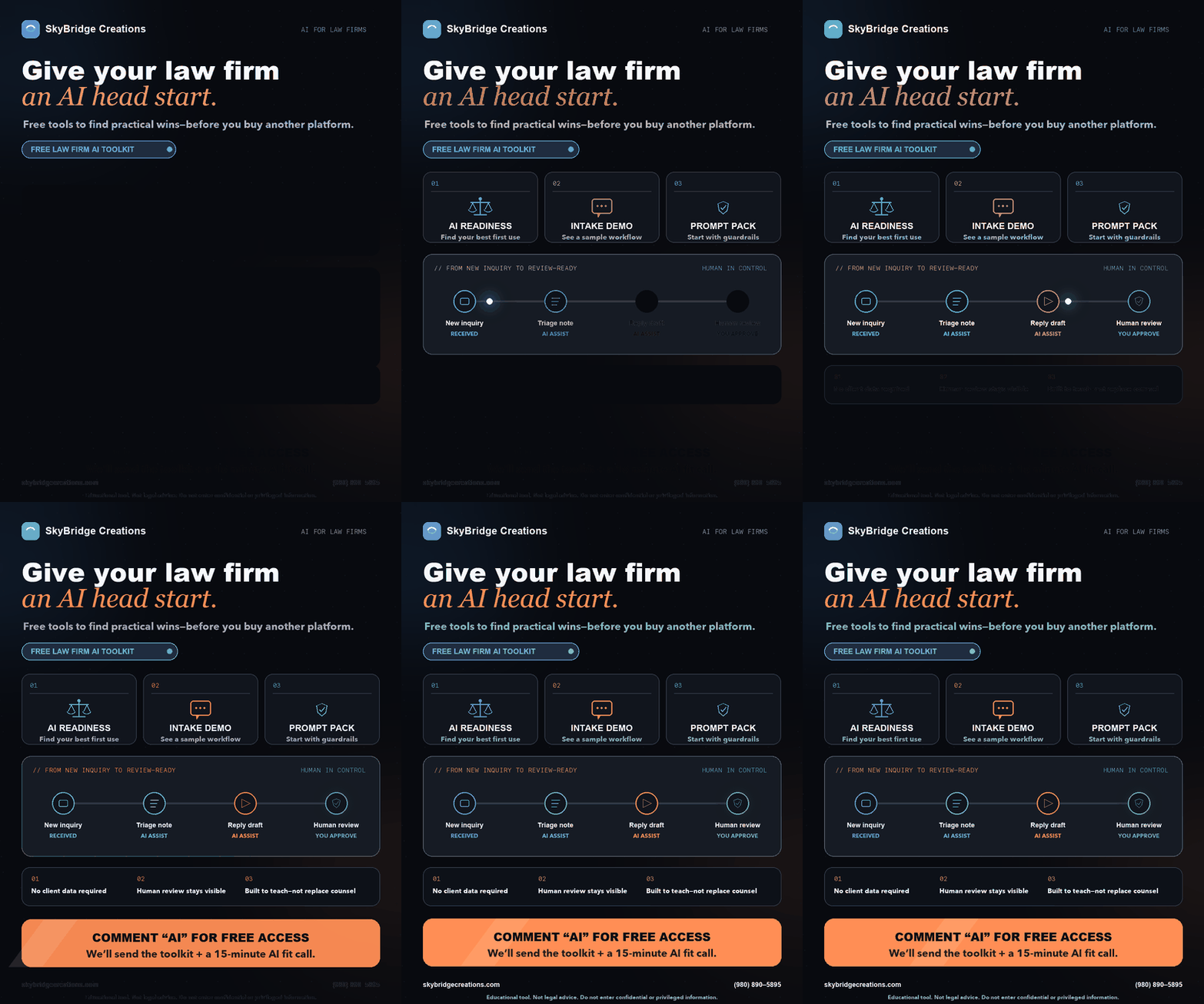
The second part is a short toolkit we send when a firm asks through the contact form. It has four pieces.
- An AI readiness scan to pick one repeatable administrative or marketing task worth a supervised test.
- A sample intake workflow showing a fictional inquiry moving from receipt to an internal review list without contacting anyone.
- A starter prompt pack of narrow instructions that tell the model to flag uncertainty and ask for review.
- A human-review checkpoint that names the person responsible for each decision and external action.
A first exercise you can run yourself
Start with a fictional intake-routing review. It tests the handoff between a model and your staff, and it needs no real names.
- Build a test sheet of five or six invented inquiries. Include one with no assigned owner, one with an empty required field, one likely duplicate and one outside the practice areas your firm handles.
- Before running anything, write down what a careful intake coordinator would flag on each row.
- Run one narrow prompt: sort the records and list what needs a person. The prompt should not draft replies, judge the merits or suggest a fee.
- Compare the output with your expected list. Count missed exceptions, false alarms and corrections, and note how long staff spent checking.
- Decide, as a firm, whether the handoff is worth keeping. A model that misses the out-of-scope inquiry has failed the one check that matters most at intake.
Our guide to legal intake in California covers the conflict and confidentiality questions that sit behind real intake, which this exercise deliberately avoids.
What the State Bar's 2026 guidance says about client data
The State Bar's Standing Committee on Professional Responsibility and Conduct (COPRAC) first issued its generative AI guidance in November 2023. The 2026 Practical Guidance replaces it and, at the California Supreme Court's request, adds agentic AI: systems that can carry out tasks without a fresh prompt each time. The State Bar's public comment page says the Board of Trustees approved the revised guidance at its May 2026 meeting.
On confidentiality, which rests on Business and Professions Code section 6068(e) and rule 1.6, the guidance makes five points.
- As a general matter, a lawyer must not input any confidential client information into a generative AI tool that may present material risks to confidentiality or security, absent informed client consent.
- A lawyer should take reasonable steps to understand how a product collects, uses, stores and discloses what users enter. Reasonable efforts "require more than reliance on generalized marketing assurances."
- That can mean reading the terms of use, privacy policy and vendor documentation, and the guidance notes that a user may agree to those terms simply by using the product.
- Depending on the circumstances, reasonable efforts may include consulting qualified IT or cybersecurity professionals.
- For agentic systems connected to firm email, document management or client files, lawyers must evaluate and limit the scope of access. A lawyer must not let such a system transmit client information externally on its own without appropriate safeguards and human review.
On competence, the guidance says a lawyer must understand an AI system's capabilities, data sources and limits before using it, and must review, verify and correct its output. Professional judgment cannot be delegated to the tool.
Separately, COPRAC has proposed AI-related comment amendments to six rules. The proposed rule 1.6 comment would define "reveal" to include exposing confidential information to an AI tool where that creates a substantial risk of misuse, and the proposed rule 5.1 comment would have managerial lawyers set internal AI policies. The second comment period closed August 6, 2026. Check the State Bar's site for whether the comments have been adopted.
| What the 2026 guidance asks | What the free tools and this exercise are designed to avoid |
|---|---|
| No confidential client data into a risky tool without informed consent | Client data: the audit reads only your public website, and the exercise above uses invented records. |
| Understand the product before relying on it | Blind reliance: the exercise has you write expected results first, so you can see where the model goes wrong. |
| Review, verify and correct output | Unreviewed output: the exercise ends with a named person deciding. |
| Limit access for agentic systems | Broad system access: the audit fetches public pages only, and the exercise runs on a test sheet rather than email, calendars or a case management system. |
What neither tool does
Neither tool gives legal advice. Neither decides case acceptance or conflicts, judge legal merits, calculate deadlines, contact a prospective client or change a matter record. A draft from a prompt is not permission to send or publish it. The toolkit also does not approve any vendor, account or integration. If a firm later considers using real client information with an AI product, that is a separate decision for its responsible lawyers under the guidance above.
For firms looking at public content rather than intake, our California law firm content strategy page explains how approved facts and review roles fit together on a website.
How to get both
The audit is open now at californialawfirmseo.com/free-ai-visibility-audit/. For the starter kit, use the contact form and write "AI Toolkit" in your message. We will send the toolkit and offer an optional 15-minute call. The call is not required to receive it.
Asked this week
Is client or matter data required to use the toolkit?
No. The audit reads your public website and the starter exercise in this post uses invented records. Do not paste confidential, privileged or identifying information into a test prompt.
What does the free AI visibility audit check?
Twenty-five items in four groups, each group currently worth 25 points: crawler access in robots.txt, structured data, on-page content signals and technical basics such as HTTPS, sitemap and server response time. It scores the page you enter plus site-wide files such as robots.txt and the sitemap, and each visitor gets two free scans.
What does the State Bar's 2026 guidance say about entering client information into AI tools?
It says that, as a general matter, a lawyer must not input confidential client information into a generative AI tool that may present material confidentiality or security risks without informed client consent. Reasonable efforts to protect confidences require more than a vendor's general marketing assurances.
Does the toolkit automate legal decisions?
No. It does not decide case acceptance, conflicts, deadlines, legal merits or what is sent to a prospective client. Those decisions stay with the firm's responsible people.
Is the 15-minute AI fit call required?
No. The call is optional and is not required to receive the toolkit.
What is the best free AI for legal writing?
We do not rank legal writing tools, and free tiers and terms change often. Whatever tool a firm tries, the State Bar's 2026 guidance applies: keep confidential client information out of any tool whose terms you have not checked, and have a lawyer review, verify and correct every draft.
These tools are for education and marketing tests. Do not enter confidential or privileged information, and do not read a good score as proof of compliance with any rule. Last checked November 2026.